 wrnty
How to keep track of warranties without a drawer of receipts
A warranty often dies not because the paper went missing but because nobody wrote down the date. Here is the smallest system that answers three questions in seconds: is it still covered, until when, and where is the proof.
Keep one list of everything you own that has cover. For each item, record what it is, the purchase date, the expiry date, and where the proof is kept. Photograph the receipt or confirmation next to the entry, and set a reminder a few weeks before each expiry. Then one quick search tells you what is still covered, until when, and where the paper lives.
Your laptop stops working on a Tuesday in March. You find the box, you find the manual, you even find the receipt — but the warranty ended in January, and nobody told you, because the date was never written down anywhere. This is the failure mode that catches most people who try to keep track of warranties with a drawer: the paper is there, the date is not.
The fix is not to store more paper. It is to record the three things that actually matter — is it still covered, until when, and where is the proof — in one place you can search. If your receipts are unfindable in the first place, start with how to organise receipts; this post is about the date, which is the part filing alone does not give you.
Why a drawer of receipts fails as a warranty system
A receipt answers "what did I pay, and where did I buy this". It does not answer "when does the cover end", because the warranty length is not printed on the till slip. It is in the box, the manual, the maker's website or the retailer's paperwork — and the expiry date is something you have to calculate and write down yourself. Nothing on a receipt does that.
A drawer has no memory, either. Nothing in it fires a reminder a few weeks before the cover lapses, so the lapse happens quietly and the cover is discovered only when you need it — usually after the date has passed. And when you do need it, you are stressed, the item has broken, and you are digging through the drawer with the shop or the maker waiting on a serial number. Paper is slowest to search exactly when you can least afford the time.
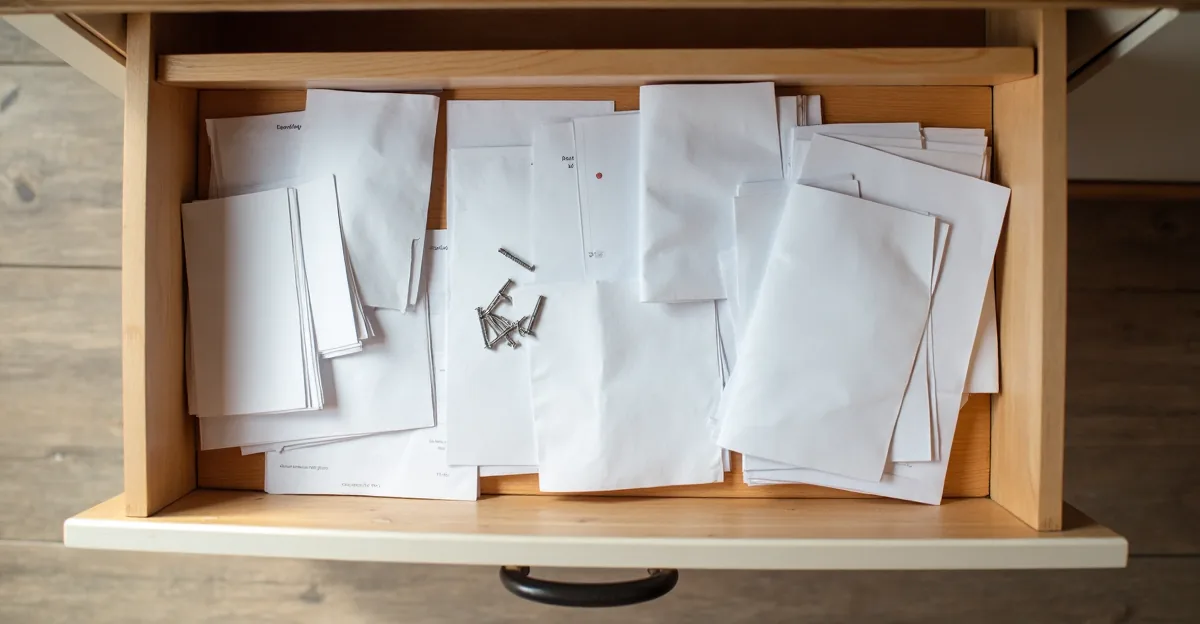
Finally, the drawer mixes warranty paper with everything else: takeout menus, old batteries, a screw from a shelf kit. The receipt for the washing machine is in the same drawer as three years of junk mail, and that is why a receipt you need in two minutes takes far longer to find.
What is a warranty register, and what goes in it?
A warranty register is a small list of everything you own that has cover — one entry per item, anywhere you can search it: a note, a spreadsheet, a folder, a tracker app. The tool does not matter much. The fields do.
| Field | Why it matters | Example |
|---|---|---|
| Item and brand | so you know what you are looking at | Kettle |
| Purchase date | the date the warranty counts from | 14 March |
| Where bought | claims usually start with the seller or the maker | The shop that sold it |
| Cover length | where the number comes from | Two years, printed on the box |
| Expiry date | the field you calculated; the one that saves you | 14 March, two years on |
| Who to contact | who handles the claim | The shop that sold it, or the maker |
| Serial or model number | claims and support calls move faster with it | The number on the base |
| Where the proof lives | the receipt photo, email or folder | Camera roll, receipts folder |
The one move that turns this from filing into a system: record the expiry date, not just the purchase date. Work it out once, from the box, the manual, the maker's website or the retailer's paperwork — you type it in yourself, nothing here fills it in for you — and store it next to the item. Then nothing has to be worked out at the worst possible moment. The cover's terms and limits are the maker's or the retailer's to define; the register just holds your copy of the dates, so you can check what the paperwork said without hunting for it.
Set it up in an hour
You do not need every item in the house. You need the ones where being wrong is expensive.
- Empty the drawer. Put the manuals, cards and receipts in one pile, and add the expensive or failure-prone things you remember buying recently.
- Sort by risk. Expensive, new or failure-prone first; the cheap item that rarely breaks can wait a season.
- Make one entry per item, with the fields above.
- Photograph the receipt or save the confirmation email, and store it with the entry — same folder, same app, same drawer. Whatever you use, same place.
- Delete duplicates as you go. You will find three copies of the same manual.

A worked example. A laptop bought in March, with a two-year warranty written on the box. The entry says: item, brand, purchase date in March, expiry date March two years on, serial number from the base, proof is the photographed receipt. A reminder goes in a few weeks before the expiry date. When the keyboard starts sticking a month before the date, you already know exactly where to go and what to have ready. That is the entire system at work — no more, no less.
When should the reminder fire?
The point of the reminder is not to archive the entry. It is to buy time for a check. A few weeks before the expiry, give the item a once-over: run the appliance through a full cycle, test the laptop's ports and the battery, charge the headphones and watch them hold a full charge. A fault found a week before the expiry is a claim; the same fault found a week after is a repair bill.
For items with one-year cover, one reminder a few weeks before the date is enough. For multi-year cover, a yearly reminder keeps the register honest and is early enough to act. Keep the lead time qualitative — a few weeks is plenty, because the check takes minutes and the claim process takes days.
Which tool to use: notes, a spreadsheet, or an app?
All of these work. The difference is mostly in how much of the job you do by hand.
- A notes app. Fastest possible start, everything on one screen. But a pile of text has no dates to sort and no built-in reminders unless you set them yourself.
- A spreadsheet. The best structure: a date column, sorting, and a place for every field above. The weak spot is that the reminders are still your job — a row does not notify you.
- A labelled photo folder plus calendar events. Proof and dates together. The cost is that there are now two places to keep in sync, and neither one knows about the other.
- A dedicated tracker app. Dates, reminders and the proof photo live in the same place by design, so there is nothing to keep in sync. If you would rather not build the reminders yourself, wrnty is one app that does this on iPhone and iPad (iOS 17 or later): you type in the item, the dates and the serial number, attach a photo of the receipt, and it reminds you before the warranty ends — the reminders are part of its one-time Premium purchase, and the free version tracks two items. We have compared the tracker apps against each other if you want to weigh the options.
| Method | Good for | Weak spot |
|---|---|---|
| A notes app | Starting today, one screen | No dates to sort; reminders only if you set them |
| A spreadsheet | Many items, dates, sorting | Reminders are manual work |
| Photo folder plus calendar | Proof and dates together | Two places to keep in sync |
| A dedicated tracker app | Reminders with the proof attached | One more app to maintain |
The thirty-second retrieval test
A system works only if you can use it on the worst day. The test: pick one item at random — the kettle, the drill, the second-hand monitor. From your phone, in under thirty seconds, find its expiry date and its proof. If you cannot, the system is in the wrong place, or the entry is missing, and the fix is cheap today.
Run a yearly review as well: once a year, add the new items, and decide what to do with the expired entries. Here is the part people miss: in many countries, the seller's statutory right for faulty goods can last longer than the manufacturer's printed warranty, and the rules differ from place to place — so check the rules where you live, and how consumer rights work beyond the warranty goes into that in detail. Keep the proof for items you still use, even after the printed cover lapses. The entry then costs nothing and may be worth exactly the repair you were about to pay for.
What if you've already lost the receipt?
It is less fatal than it feels. A photo, an order confirmation email or a bank statement can often serve as proof of purchase, depending on the retailer or maker and the rules where you live. Whatever you have, keep it with the item's entry. The fuller picture — including what counts and what to ask the shop for — is in what counts as proof of purchase.
The short version
A drawer stores paper; a register answers questions. Make one entry per covered item: what it is, the purchase date, the expiry date you calculated, who to contact, the serial number, and where the proof lives. Backfill the expensive and the new in an hour. Remind yourself a few weeks before each expiry and run the check. Use a note, a spreadsheet or an app — the reminders are the one part worth not doing by hand.
Common questions
How do I keep track of warranties without keeping receipts?
You should still keep the receipts, but the system should not depend on them. Make one entry per covered item with the purchase date, the expiry date and where the proof is kept, and photograph the receipt or confirmation next to it. Then the entry is still useful if the paper ends up in a drawer or gets thrown away.
What information should I record for each warranty?
At minimum: what the item is and its brand, the purchase date, where you bought it, the cover length and the expiry date you calculated from it, who to contact for a claim, the serial or model number, and where the proof is kept. The expiry date is the field most people skip and the one that matters most when something breaks.
How long before a warranty expires should I check my products?
A few weeks before, early enough to run a quick check: run the appliance through a full cycle, test the ports, let a device charge to full. A fault found a week before the expiry is a claim; the same fault found a week after is a repair bill. For one-year cover, set one reminder a few weeks before the date; for multi-year cover, a yearly reminder is enough.
Is a spreadsheet good enough to track warranties?
For most people, yes. A spreadsheet with a date column and a calendar reminder for each expiry does the job, and a labelled folder of receipt photos keeps the proof together. The weak spot is that the reminders are manual: if you forget to set the calendar event, nothing tells you. A dedicated tracker app automates that one part.
Do I need the original receipt to use a warranty?
Not always. It depends on the retailer or maker and on the rules where you live. A photo of the receipt, an order confirmation email or a bank statement can often serve as proof of purchase. Keep whatever you have with the item's entry, and check the maker's or retailer's terms before you make a claim.
Where this comes from
Stop losing money to expired warranties
wrnty keeps every warranty and receipt in one place and reminds you before each one runs out. One-time purchase, no subscription.

Keep reading

What counts as proof of purchase — and what to do without a receipt
You need to make a warranty claim. The receipt is gone. Good news: you may still have more proof than you think.
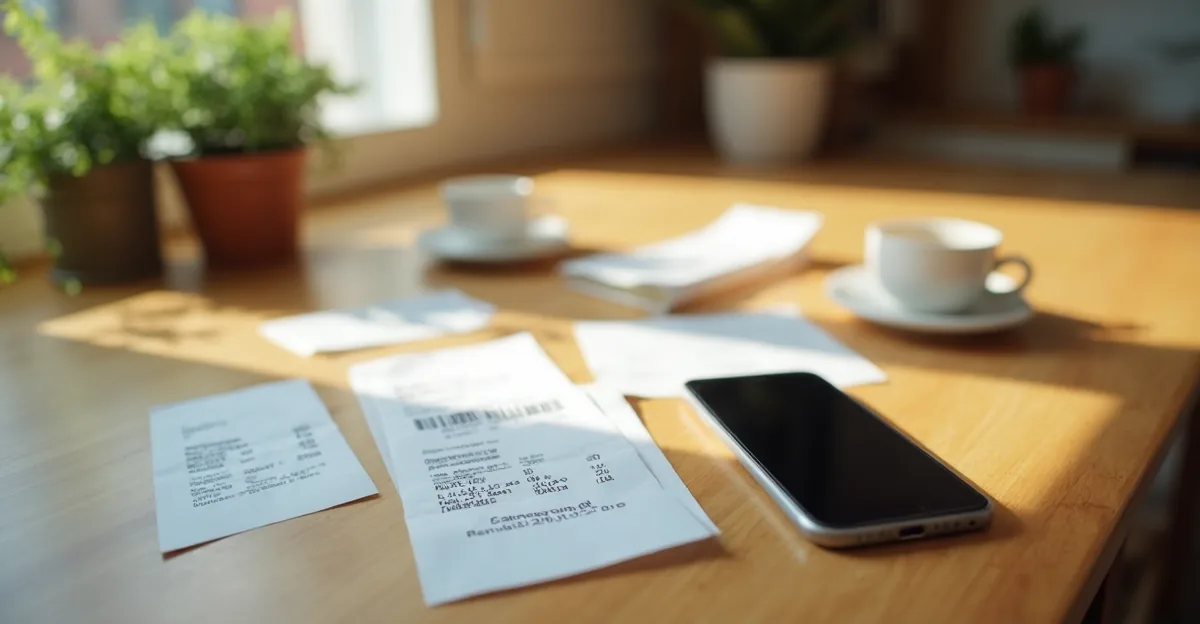
How to organise receipts so you can actually find them
You know you should keep the receipt. You also know your inbox is already a minefield of confirmation emails, PDFs and forwarding threads. There is a better way than a labelled folder that nobody checks.