 wrnty
wrnty
How to organise receipts so you can actually find them
You know you should keep the receipt. You also know your inbox is already a minefield of confirmation emails, PDFs and forwarding threads. There is a better way than a labelled folder that nobody checks.
Capture the receipt at the moment of purchase instead of filing it later. Photograph it, record what the item is and when you bought it, and store it somewhere searchable. A system that takes two minutes per purchase survives; the weekend filing project you keep postponing does not.
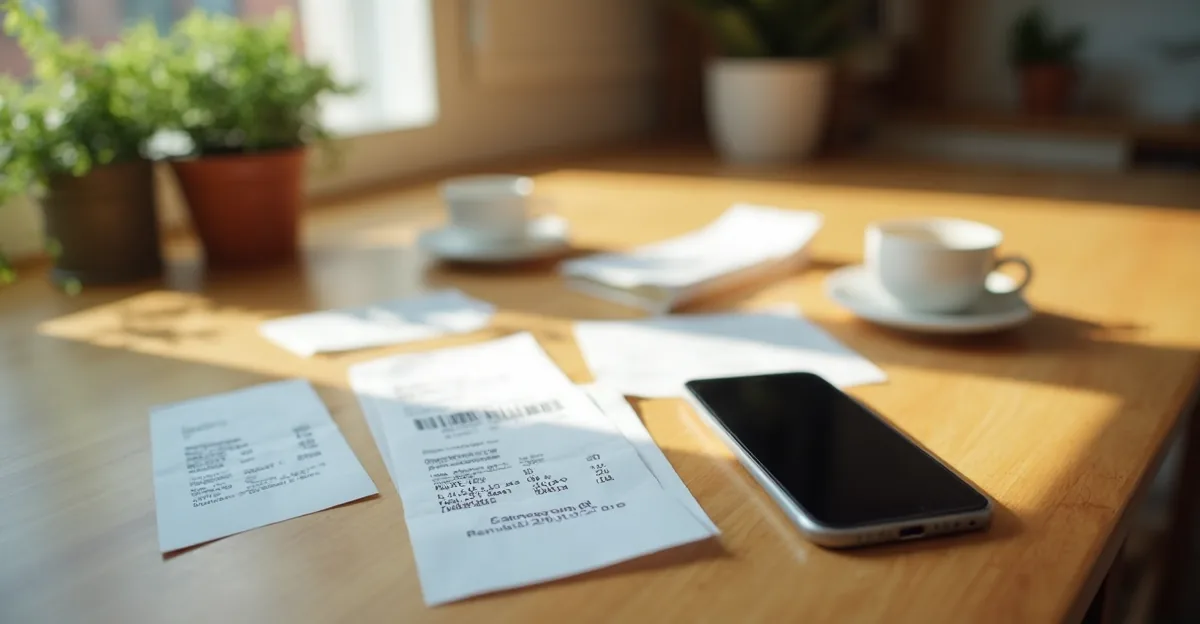
You bought something. You were handed a receipt, or an email arrived, or you scrolled past a confirmation screen. The purchase is done. The next morning, the receipt is somewhere in your bag, your inbox is a thicket of forwards, and you have already started dreading the moment you need to find it.
This is one of the most universal ownership problems and it is also one of the simplest to fix — if the system is small enough to actually stick.
Why do most receipt systems fail?
The common approach is to plan for the weekend when everything will be filed. The labelled box will arrive at the shop. The inbox will be sorted. The drawer will be organised.
It never happens. Not because people are bad at organisation, but because the system asks for too much time at once. A weekend filing project is a chore. A two-minute habit at the point of purchase is almost nothing.
The rule is this: the time between purchase and capture should be measured in minutes, not days.
What does a system that actually works look like?
Here is the part that matters:
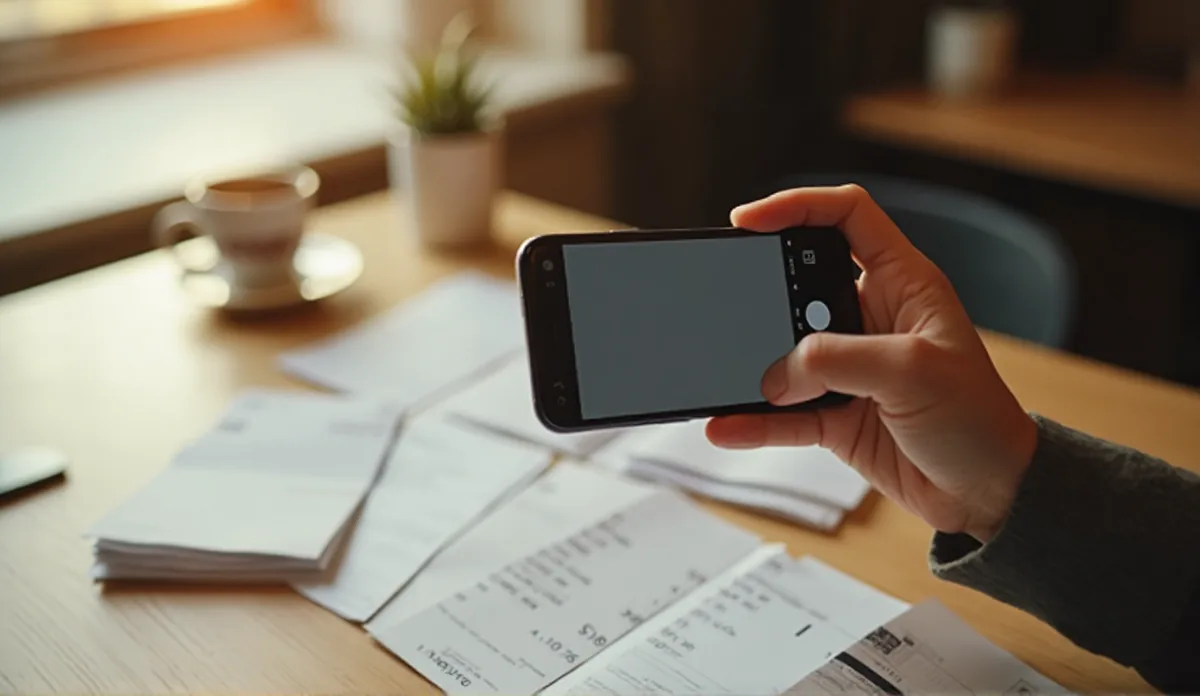
When you buy something, capture it immediately. Paper receipt — photograph it. Your thumb takes less than two seconds to tap the camera. Email confirmation — pin it to a dedicated folder or forward it to one place. Online purchase — save the order confirmation page or screenshot it. The goal is not to sort, label, or file. The goal is to not lose it.
At the end of the day, sort what you have. You have five new photos of receipts in your camera roll. That is normal. Put them in one folder. Name nothing. You can do this in ninety seconds with the phone's built-in sharing. Most phones let you create a smart album or a "Receipts" folder that grabs the last five photos automatically. Some people use a notes app. Some people use a dedicated app. All of these work.
Once a week, do the thirty-second review. Open your receipts folder. For anything expensive — more than a few hundred — record the details: what it is, when it was bought, how long the warranty runs. The cheap stuff you can probably skip. This step is where most systems actually become useful.
When something breaks, you know exactly where to look. This is the payoff. Three weeks from now, your washing machine stops heating. You open your phone. You open the folder. You have the receipt, the model number, and the purchase date. You call the repair company. You are done in ten minutes instead of the three hours it would have taken to search your inbox, your bag, and a drawer of paper.
Where a system meets reality
Any system that requires you to manually enter dates, prices, model numbers, and merchant names for every single purchase is going to fail. The friction is too high. The best receipt system is the one that runs in the background while you live your life.
Some people take the low-tech approach and use a dedicated envelope or a small box by the door. That works if you actually remember to put the receipt in it, and if you periodically digitise the box. The envelope method has the virtue of simplicity — but it also means everything is locked in paper format, and you cannot search for a receipt when something breaks three months later.
The digital approach scales better. Your phone is always with you. A photo is a permanent record that can be backed up, searched, and shared. You can even use the camera's text recognition to find keywords later — "laptop", "fridge", "invoice" — instead of scrolling through dates. A dedicated warranty-and-receipt app does this automatically: you take a photo, it records the details, and it reminds you when a warranty is about to expire. But a simple camera roll folder does most of the heavy lifting too. The choice between a folder and an app depends on how many items you want to track and whether the automatic reminders are worth the extra effort.
If you want a simple, low-maintenance system and have just a few items to track, a dedicated photo folder on your phone may be enough. For households with dozens of items, a tracker like wrnty — which records purchase details, sends expiry reminders, and exports a claim-ready PDF — saves hours of searching over the year. A dedicated photo folder does most of the heavy lifting too; the choice depends on how many items you actually care about.
The two-minute habit in practice
Here is what a real week looks like:
- Monday evening: You buy a new kettle. Photograph the receipt before you put it away. It sits in your camera roll, unsorted, for three days.
- Thursday evening: You are sorting your photos. The kettle receipt is in there, along with a receipt for a phone case and a receipt for your morning's groceries. You drop them all into a "Receipts" album on your phone.
- Saturday morning: You do your thirty-second review. The kettle receipt looks expensive enough to care about. You note the purchase date and check the kettle's warranty length — two years. The phone case is a twenty-dollar thing; skip it. The groceries are irrelevant.
- Six months later: The kettle stops heating. You open your phone, open the album, find the receipt, and send it to the retailer. Done.
The entire system cost you roughly two minutes a day on the day you bought the kettle, and ninety seconds on Thursday. No filing weekend. No labelled boxes. No system that collapses the moment life gets busy.
Which receipts are worth keeping?
Not every receipt needs a record. The grocery receipt that proves you bought milk is not going to matter six months from now. The receipt for a forty-dollar kitchen gadget probably won't either. Focus on things where the replacement cost would hurt, or where the warranty period is long enough that you would genuinely forget the purchase date if you do not record it.
The categories that matter most:
- Electronics — phones, laptops, tablets, headphones, cameras, speakers. These are expensive and they break. A one-year warranty is standard but easy to forget.
- Appliances — washing machines, fridges, ovens, dishwashers. These often carry multi-year warranties and the repair cost without one is steep.
- Furniture — sofas, mattresses, dining sets. Manufacturers often offer two to five years and you are unlikely to remember the purchase date after a year.
- Vehicles and vehicle parts — car warranties, tyres, batteries. These have long coverage periods and strict documentation requirements.
- Anything you received as a gift — you probably do not have the original receipt, but the purchaser may pass it on if you need it.
For everything else, a single folder for the receipts that matter is enough. You can always add more detail later if something breaks.
What happens when your system fails?
Your phone will break. Your cloud account will get locked. Your camera roll will fill up and the old photos will disappear into the scroll. None of this is a failure of your system — it is a failure of backup.
Make sure your receipts are backed up. If you use a phone folder, enable cloud backup. If you use a computer folder, use an external drive. If you use a dedicated app, check whether it exports a PDF or CSV you can keep separately. A receipt tracker that lives only on one device has a single point of failure. The backup step adds thirty seconds to the process and protects you from the one time your phone does fall into water.
Why this matters more than you think
A warranty is only useful if you can prove you had one. A warranty claim without proof of purchase is a phone call you will not finish. Consumer law in many countries gives you additional rights beyond any manufacturer warranty, but almost all of them still require you to prove when and where you bought the item. Our guide on what counts as proof of purchase covers the edge cases — bank statements, order confirmations, and the situations where you have lost the receipt entirely. And our guide on how to make a warranty claim walks through exactly what to say on the phone and what to do if the first answer is no.
Keeping receipts is not about being organised for its own sake. It is about making sure that when something goes wrong — and something will go wrong — you are not the person digging through a drawer of crumpled paper while a warranty expires.
Two minutes a day beats a filing weekend every time.
Related reading
Common questions
What is the best way to store receipts digitally?
The best way is the one you will actually use. That usually means using your phone: snap a photo of the receipt the moment you get it, or save the email confirmation to a dedicated folder. The key is to do it while the purchase is fresh — not at the end of the week when the receipt has already been buried in your bag or inbox.
Should I keep paper receipts or go fully digital?
Digital is almost always better for finding things. A photo on your phone is searchable and impossible to lose in a drawer. Paper receipts have one advantage: they cannot be lost if your phone breaks. Some people keep both — a photo for searching, the paper slip for returns that still require it. That extra step is usually not worth the effort.
How long should I keep receipts for?
Keep them for as long as the warranty lasts, plus a little buffer. For expensive items like appliances and electronics, that means at least a year, ideally until the warranty period is over. For groceries and everyday items, a few months is enough. If you track everything in one place, you can set reminders and prune safely.
Can I claim a warranty without the original receipt?
Sometimes. Some manufacturers will honour a warranty with a bank statement or a credit-card record showing the purchase. Others are strict about needing a receipt. Our guide on what counts as proof of purchase covers this in more detail. The safest approach is always to have the receipt available — but if you have lost it, you still have options worth exploring.
What should I record when I scan a receipt?
At minimum, note what the item is, when you bought it, and where from. The more details you record — the price, the model number, the expected warranty length — the faster you can make a claim when something breaks. You can do this by hand or use a dedicated app that automates the reminders and makes exports easy.
How do I organise receipts for an entire household?
Use a shared space — a shared folder in your cloud, or a shared album on your phone — where everyone drops their receipts. Set a simple rule: one photo per purchase, no sorting needed. Once a week, someone (or the system) scans for anything that looks like an expensive item and adds it to the warranty tracker. Shared systems only work when the barrier is zero.
Where this comes from
Stop losing money to expired warranties
wrnty keeps every warranty and receipt in one place and reminds you before each one runs out. One-time purchase, no subscription.

Keep reading
What counts as proof of purchase — and what to do without a receipt
You need to make a warranty claim. The receipt is gone. Good news: you may still have more proof than you think.
How to make a warranty claim (and what to do when it's refused)
Something breaks. The warranty should cover it. Then the claim gets pushed, delayed, or refused. Here is how to make it stick.